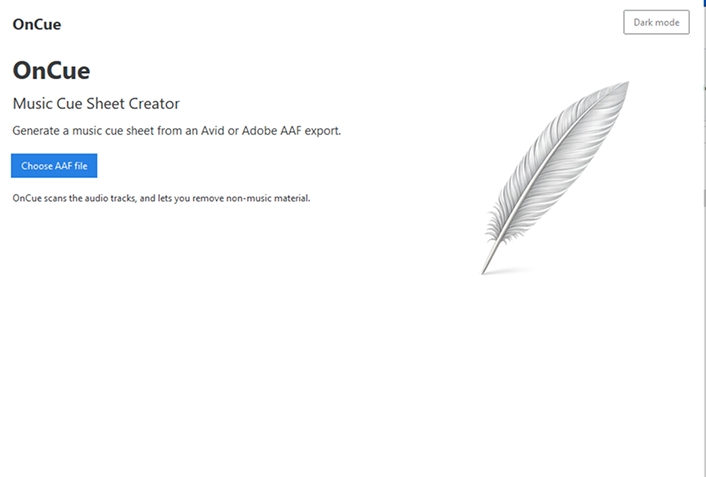
Turn an AAF into a music cue sheet
Creating a music cue sheet manually can be slow and fiddly, even with tools such as List Tool or EDL Manager.
It becomes especially awkward when music is spread across several tracks or mixed with stray sound effects.
OnCue helps you review the audio in your edit, identify the music, tidy unclear titles, and export a clear cue sheet in a few clicks.
Review your edit
OnCue scans Avid and Adobe AAF exports and shows the populated audio tracks in your sequence.
Review before export
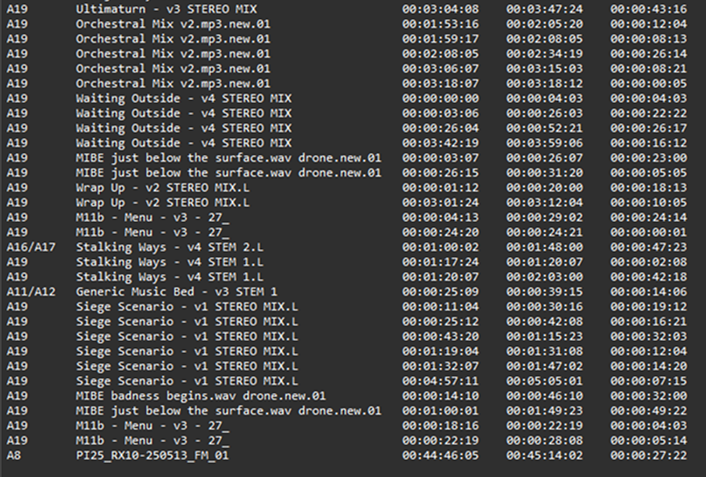
Untick tracks that do not contain music, remove stray effects and correct garbled track names before export.
Export production-ready CSV
Save a CSV containing Music In, Music Out, Duration, Timeline In and Timeline Out timecodes.